12 · Minibar
Minibar desk
In-room bar
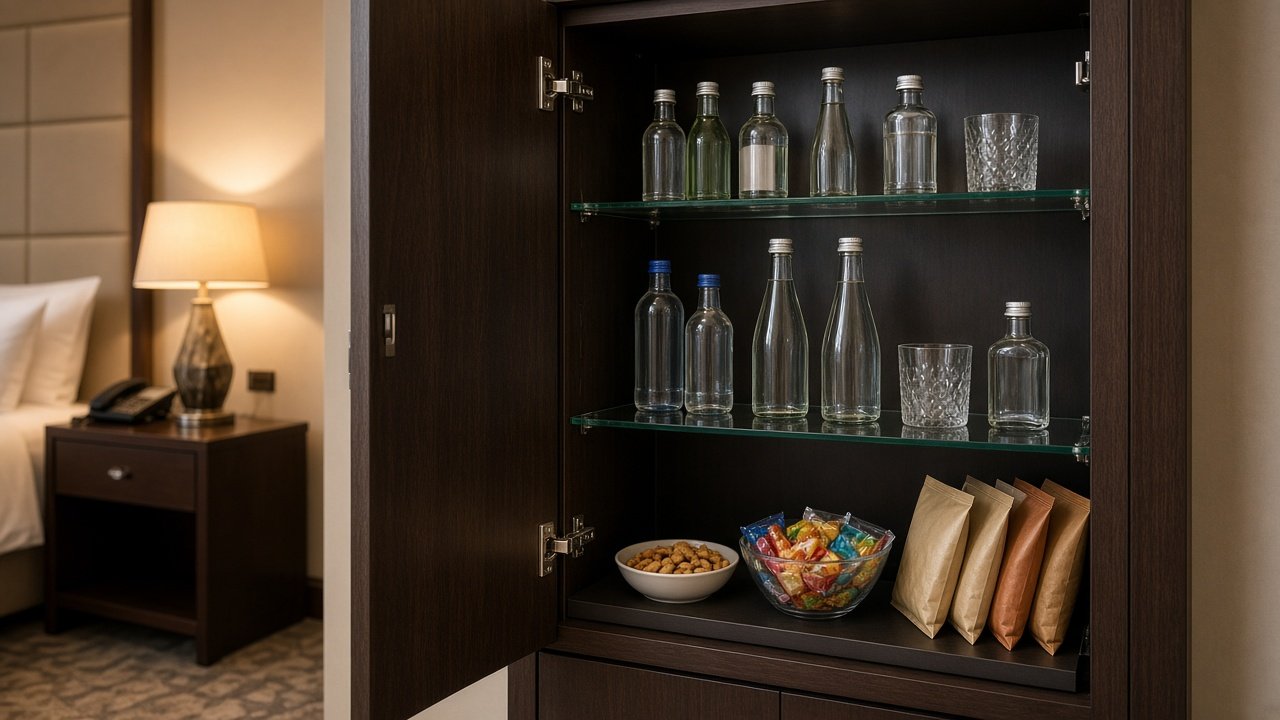
The minibar desk publishes what is stocked in the room. A guest orders from that list the same way they order food, and the desk sees the item, the room, and the stay.
Still water, house nuts, a sparkling bottle — each line has a name and a price the desk is willing to charge. When something is out, the desk removes it and saves. The order that comes back is tied to the guest already checked into that room.
On the desk
- Publish each item with its size and price.
- Pull an item when the floor stock runs out.
- See orders as they arrive, with the room attached.
- Accept an order or mark it restocked so the guest is notified.
On the stay screen
- The current minibar list, without calling the desk.
- Price beside each item.
- An order button on each one.
- Status after the desk accepts or finishes the order.
How this desk runs
- 01
Publish the list
Each row is an item the room actually holds, with the price the stay screen will show.
- 02
Save to every room
One save replaces the minibar list on open stay screens.
- 03
Guest orders
They tap an item. The desk receives the item name and the room.
- 04
Restock and close
Accept tells the room the desk has it. Done closes the order once the item is in the room.
Published to the room
Guest action · Order
- Still water
500 ml · ₹120
- House nuts
Bowl · ₹280
- Sparkling
330 ml · ₹220
What the desk receives
- Item
- Name as it should read on the guest screen.
- Size
- Bottle, bowl, or another unit.
- Price
- Shown beside the item before they order.
- Room
- The order stays with the guest already checked in.