02 · Food
Food desk
Food service
The food desk publishes the menu the guest orders from. A save on the desk replaces the menu on every open stay screen. Each order arrives with the dish, the room, and the guest.
The menu is not a printed card. Breakfast, all-day dishes, and beverages are rows the food desk edits — name, service period, and price — and one save is what every open room sees. An order does not arrive as a blank note. It names the dish, the room, and the guest already checked in.
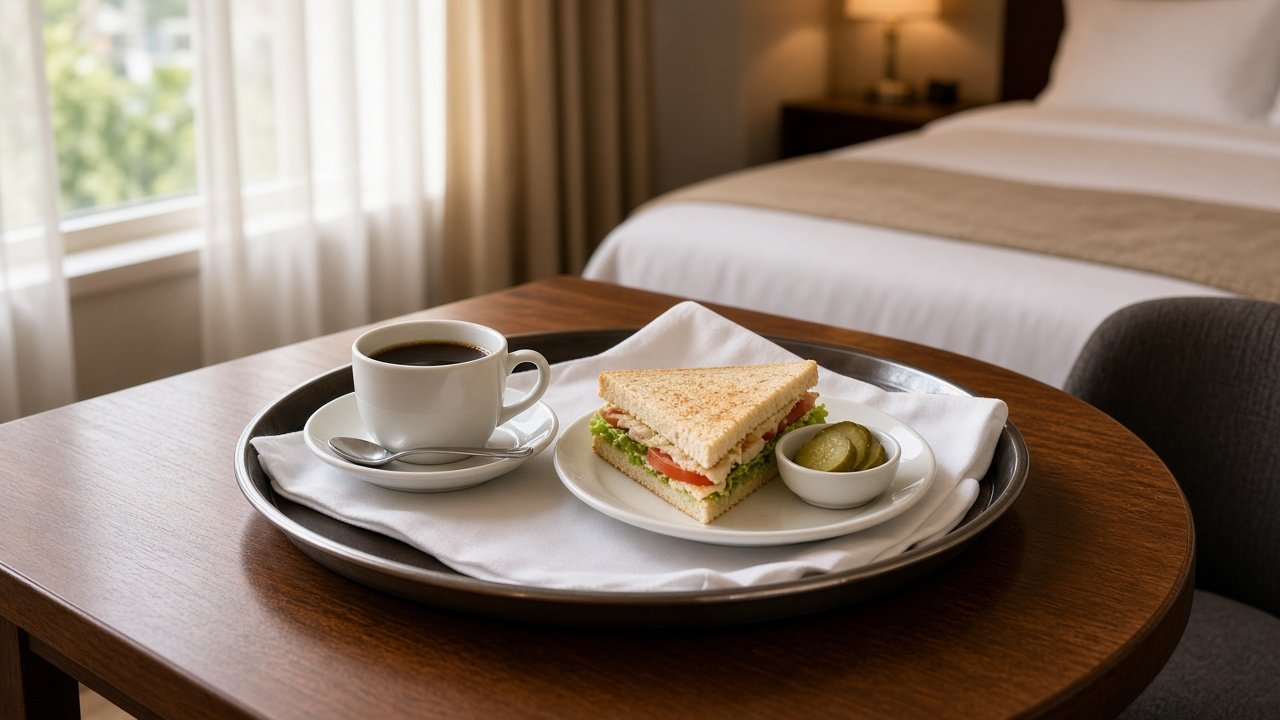
On the desk
- Edit dish names, service period, and price, then save once.
- Pull a dish off the menu when the kitchen is out, without reprinting anything.
- See room-service orders as they come in, with the room attached.
- Accept an order or mark it done. The guest stay screen shows that status.
On the stay screen
- The current menu, without calling the restaurant.
- Service period and price beside each dish, so breakfast and all-day items stay distinct.
- An order button on each dish.
- Status on the stay card after the desk accepts or finishes the order.
How this desk runs
- 01
Publish the menu
The desk sets the dish, whether it is breakfast, all day, a beverage, or a house special, and the price.
- 02
Save once
That save replaces the menu on every open stay screen. Rooms that already have the page open refresh with the new list.
- 03
Take the order
The guest taps the dish. The food desk receives the dish name, the room, and the guest on that stay.
- 04
Close the order
Accept tells the room the kitchen has it. Done tells the room it has been sent. Both show on the stay screen.
Published to the room
Guest action · Order
- Club sandwich
All day · ₹420
- Masala dosa
Breakfast · ₹280
- Filter coffee
Beverage · ₹160
What the desk receives
- Dish
- Name as it should read on the guest screen.
- Service
- Breakfast, all day, beverage, or a house special.
- Price
- Shown beside the dish on the stay screen.
- Room
- The order is tied to the guest already checked into that room.