10 · Banquet
Banquet desk
Banquet
The banquet desk configures halls and add-ons for the property. Guests can enquire from the stay screen, and the enquiry arrives with the hall and the extra they asked about.
Halls are property-specific: a grand hall with a guest count, a daylight boardroom, a floral add-on for the stage or the table. The desk publishes only what this house can sell. An enquiry from a stay names the hall and the guest, so banquet sales is not matching a phone message to a room.
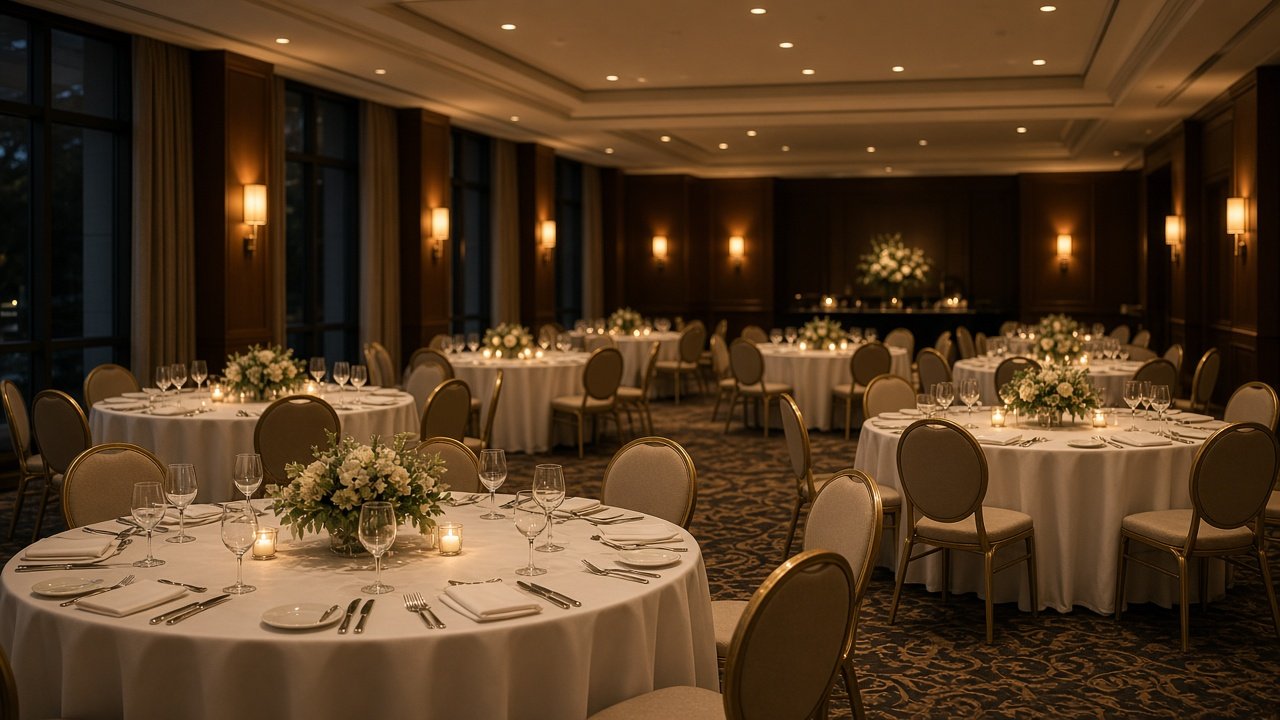
On the desk
- Publish halls with capacity and the add-ons on offer.
- Describe the layout: banquet, boardroom, or stage.
- Receive enquiries tied to a room and a guest.
- Accept an enquiry and follow it in the request list.
On the stay screen
- Halls and add-ons the property is selling.
- Capacity and layout before they enquire.
- An enquire action on each one.
- Status when the banquet desk responds.
How this desk runs
- 01
Configure the halls
Name, how many guests it holds, the layout, and any add-on such as flowers for the stage or the table.
- 02
Show it on the stay screen
A save publishes that list to in-house guests. A hall that is off-sale comes off the screen with the next save.
- 03
Receive the enquiry
The guest enquires from the room. The desk gets the hall, the add-on if they chose one, and the stay.
- 04
Accept and follow up
Accept tells the guest the banquet desk has it. The rest of the conversation stays on that request.
Published to the room
Guest action · Enquire
- Grand hall
Up to 200 guests
- Boardroom
16 seats · daylight
- Floral add-on
Stage or table
What the desk receives
- Hall
- Name and how many guests it holds.
- Layout
- Daylight boardroom, stage, or banquet.
- Add-on
- Floral, or another extra the desk has published.
- Guest
- The in-house guest who sent the enquiry.